
DIY ESP32 Bluetooth Audio Receiver with MAX98357A I2S Amplifier
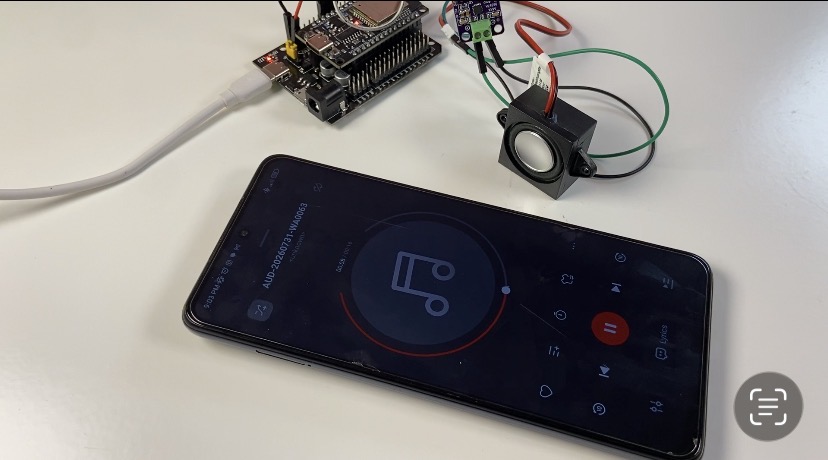
Create a wireless Bluetooth sound system out of any passive speaker! This guide will teach you how to use the MAX98357A I2S Class-D amplifier module to construct a high-quality ESP32 Bluetooth audio receiver. The complete circuit wiring, necessary Arduino libraries, precise code setting, and solutions for typical sound problems like complete silence or partition space faults will all be covered.
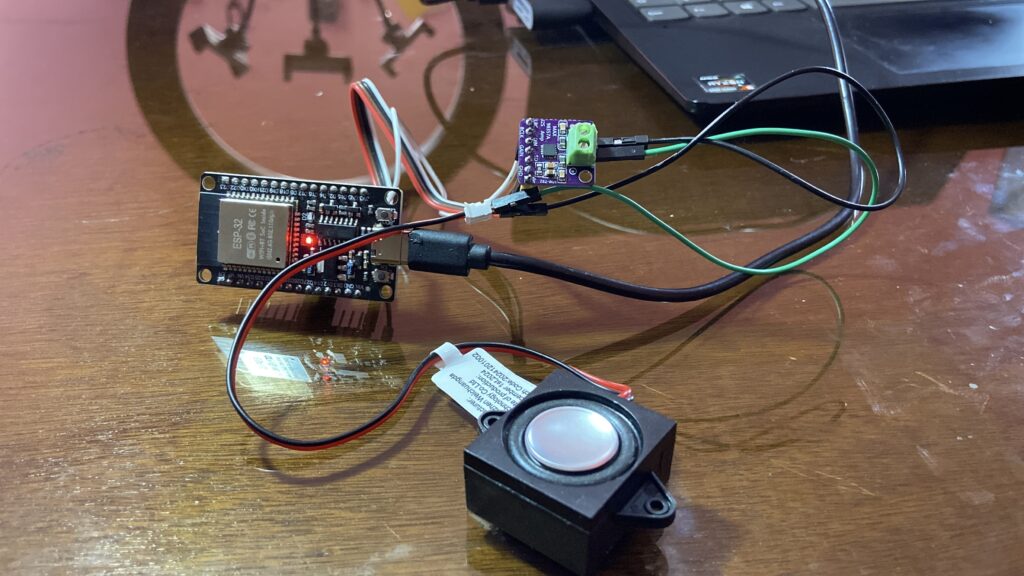
View the Video
For written instructions, continue reading this page, or watch the video guide.
Required Components & Circuit Wiring
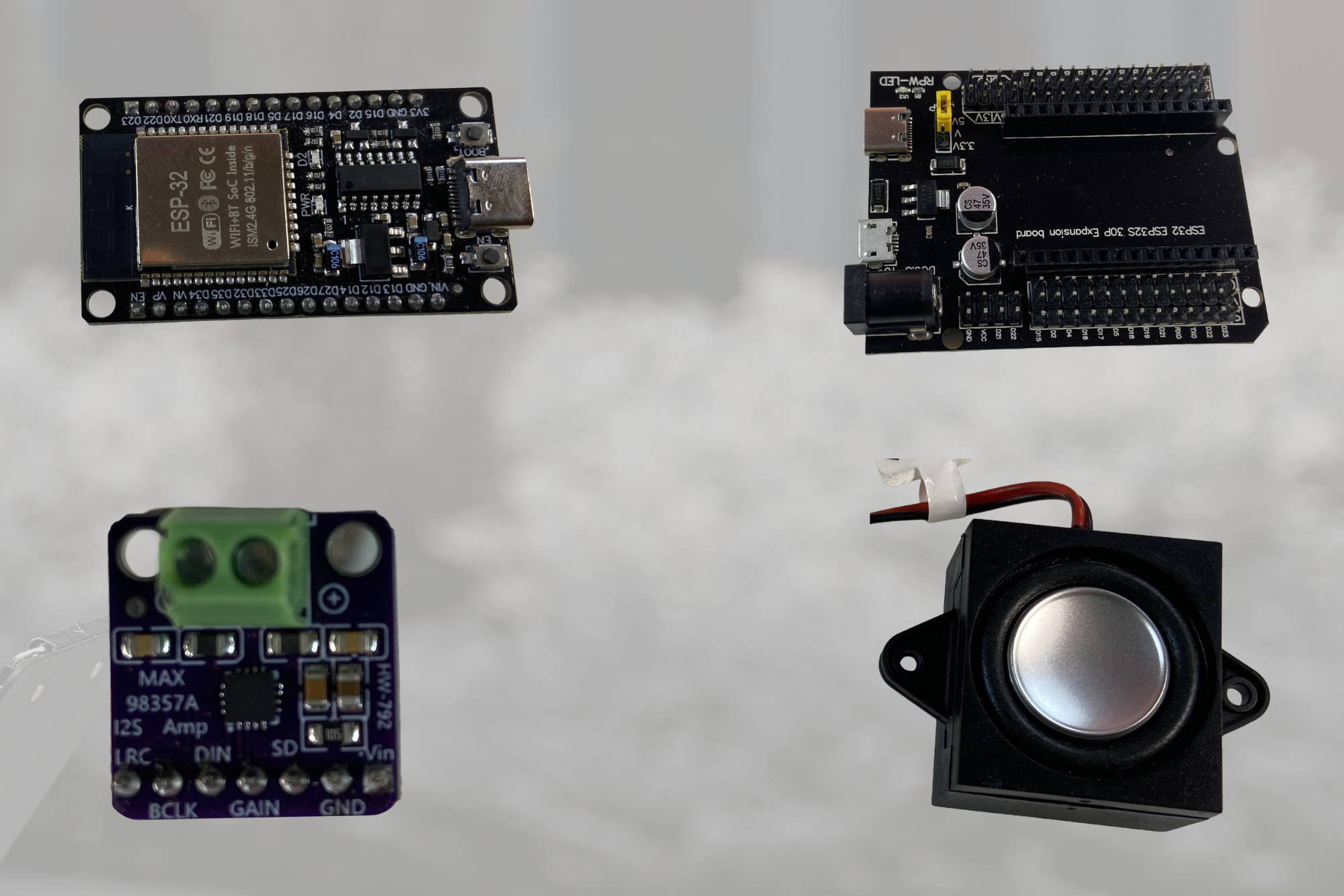
The following electronic parts are required to construct this project:
- ESP32 Development Board (30-Pin)
- ESP32 expansion board
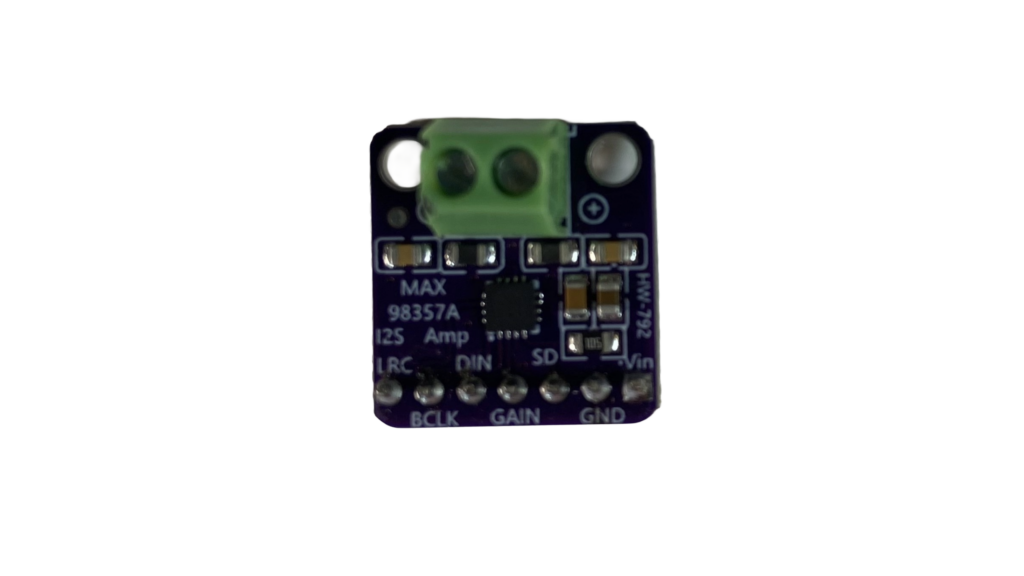
- MAX98357A I2S Class-D Amplifier Module
- 4 Ohm 3 Watt Mini Speaker
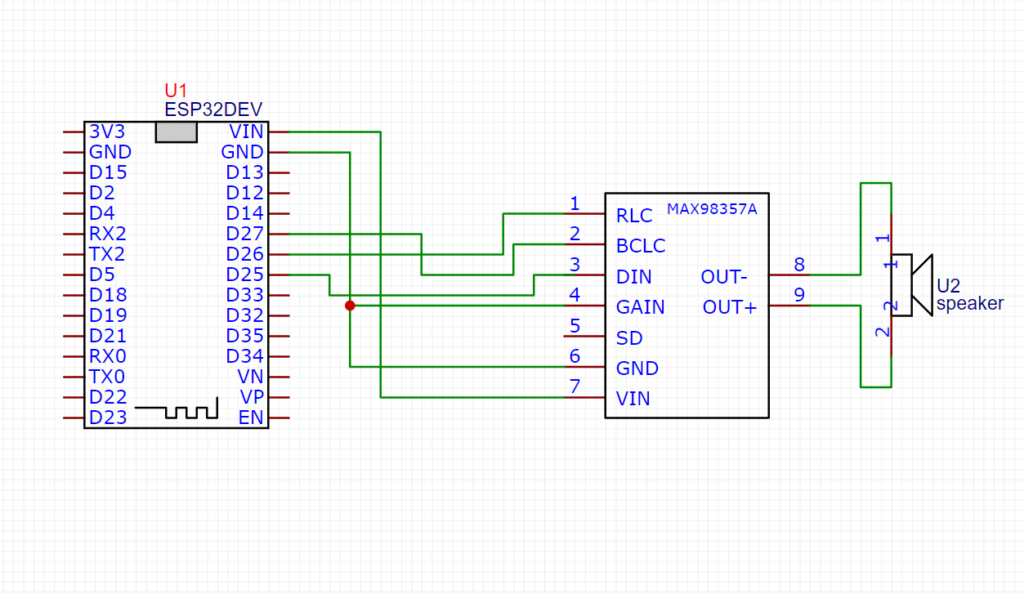
ESP32 to MAX98357A Pinout Connections
Where to Buy Components (Best TEMU Deals)
I occasionally purchase my microcontroller modules and audio sensors directly from Temu as a Temu influencer in order to get the finest quality at the most competitive costs. These links will take you to every component needed for this project:
- 🛒 ESP32 Dev Board: Find ESP32 Boards on TEMU
- 🛒 ESP32 expansion board: Find ESP32 expansion board
- 🛒 MAX98357A I2S :Find MAX98357A I2S
- 🛒 4 Ohm 3 Watt Speaker: Find 4 Ohm 3 Watt Mini Speaker
Arduino C++ Code Setup (A2DP Library)
Install these two open-source libraries in your Arduino IDE prior to submitting the code:
ESP32-A2DP by Phil Schatzmann
- Download the
.zipfile from GitHub. - In Arduino IDE: Sketch➡️ Include Library ➡️ Add .ZIP Library…
Arduino-audio-tools by Phil Schatzmann
- Download the
.zipfile from GitHub. - In Arduino IDE: Sketch ➡️ Include Library ➡️ Add .ZIP Library…
Circuit Wiring & Pinout
| MAX98357A Pin | ESP32 GPIO Pin | Function |
| GND | GND | Ground |
| BCLK | GPIO 27 | Bit Clock |
| LRC | GPIO 26 | Word Select / Frame Clock |
| DIN | GPIO 25 | Serial Data |
Arduino Code
Important IDE Setting: Select Huge APP (3MB No OTA/1MB SPIFFS) under Tools➡️Partition Scheme before uploading. By doing this, sketch compilation issues brought on by the Bluetooth stack’s size are avoided.
#include "AudioTools.h"
#include "BluetoothA2DPSink.h"

I2SStream i2s;
BluetoothA2DPSink a2dp_sink(i2s);

void setup() {
    Serial.begin(115200);

    // 1. Configure I2S output pins and audio format
    auto cfg = i2s.defaultConfig(TX_MODE);
    cfg.pin_bck = 27;   // BCLK
    cfg.pin_ws = 26;    // LRC / WS
    cfg.pin_data = 25;  // DIN

    cfg.sample_rate = 44100;
    cfg.bits_per_sample = 16;
    cfg.channels = 2;               // Stereo input stream
    cfg.i2s_format = I2S_STD_FORMAT; // Standard I2S format

    i2s.begin(cfg);

    // 2. Start Bluetooth A2DP Sink
    a2dp_sink.start("MyMusic");
}

void loop() {
    // Bluetooth audio streaming runs in the background
}
How It Works
Bluetooth Audio Stream (A2DP): The ESP32 identifies itself as “MyMusic” and initializes its built-in Bluetooth radio when it is turned on. The Advanced Audio Distribution Profile (A2DP) is used when you pair your laptop or smartphone.
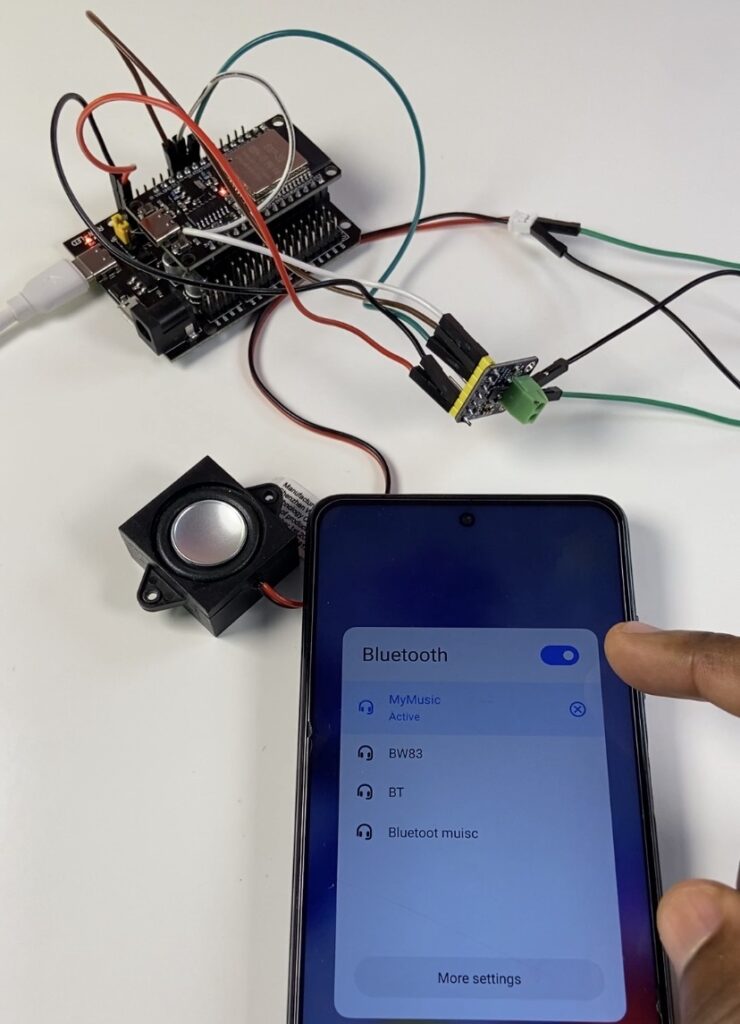
I2S Digital Transmission: Digital PCM audio samples are wirelessly received by the ESP32 and sent straight to its hardware I2S peripheral. I2S (Inter-IC Sound) transfers high-fidelity digital audio without line noise or analog deterioration using three signal lines (BCLK, LRC, and DIN).
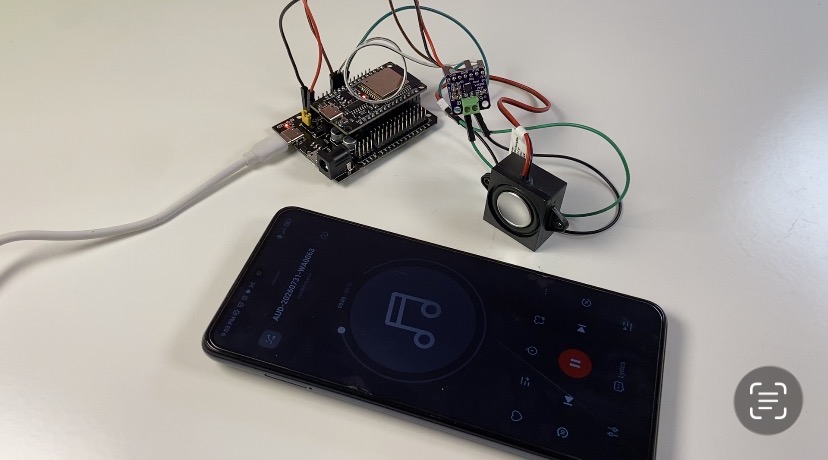
Class-D Amplification: The MAX98357A’s integrated Class-D power amplifier powers the connected speaker after decoding the I2S digital stream using an internal Digital-to-Analog Converter (DAC). The chip is activated and automatically downmixes stereo Bluetooth channels into a clear mono output when the SD pin is connected to 3.3V.