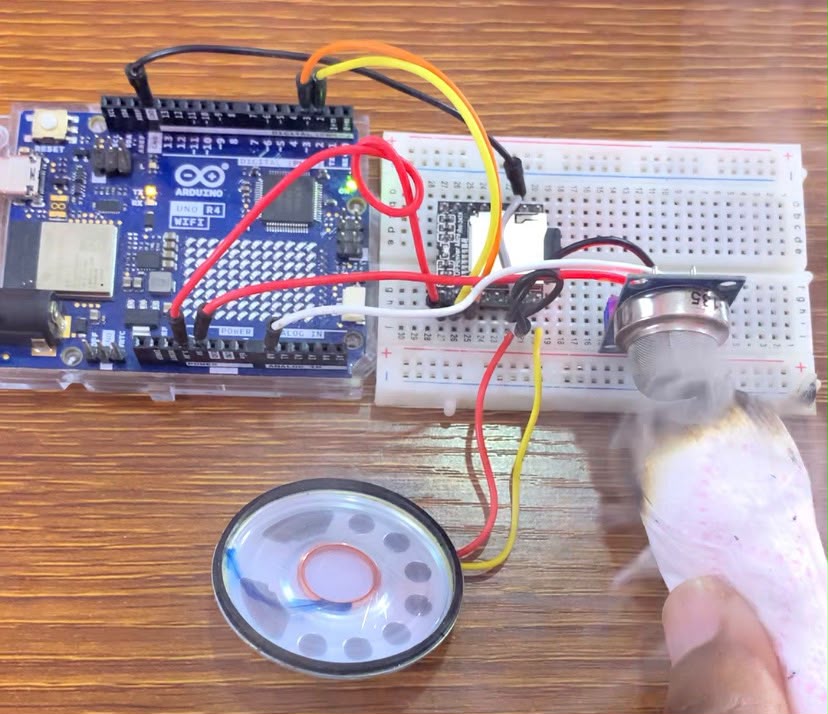

Funny Smoke Detector: Building a Coughing Smoke Alarm with Arduino
Make a funny safety update to your room or workshop! In this entertaining do-it-yourself project, an Arduino Uno employs a smoke sensor to identify high smoke levels. A DFPlayer Mini module then immediately initiates a loud, dramatic coughing audio alert to remind smokers to go outside.
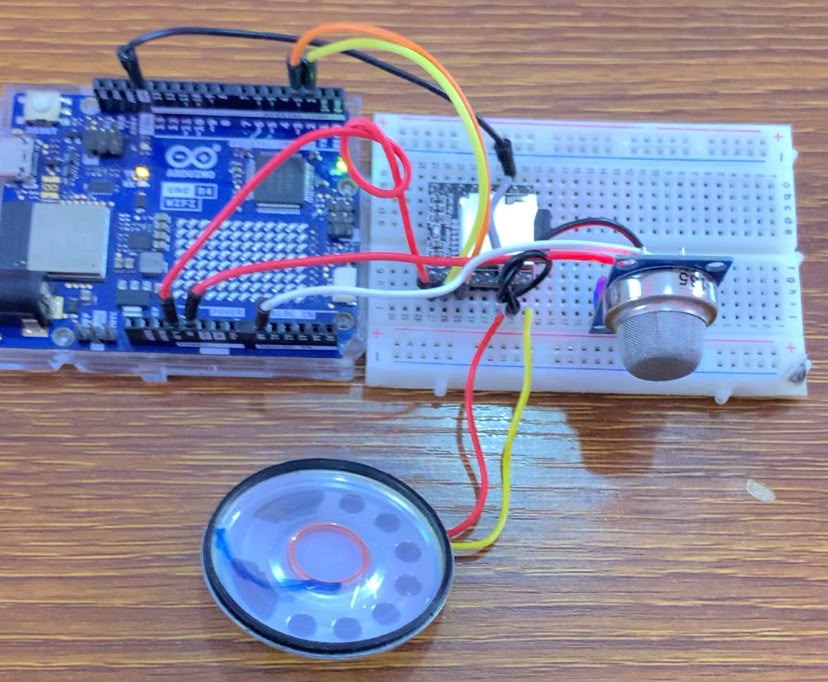
Watch the Video
For written instructions, continue reading this page, or watch the video guide.
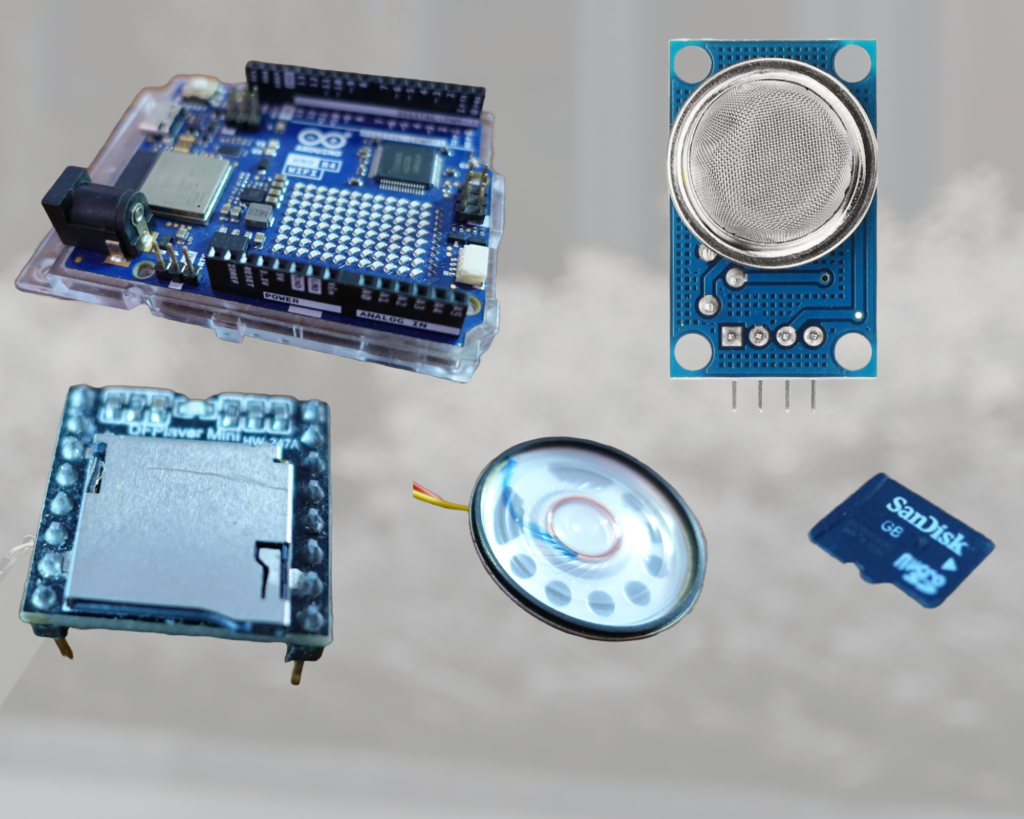
Components Used
- Microcontroller: Arduino Uno R4 WIFI
- Smoke Sensor: MQ-135 Gas/Smoke Sensor Module
- Audio Module: DFPlayer Mini MP3 Player
- Speaker: 20Ω 1W Speaker (or 8Ω 1W speaker)
- Storage: MicroSD Card (Formatted FAT32)
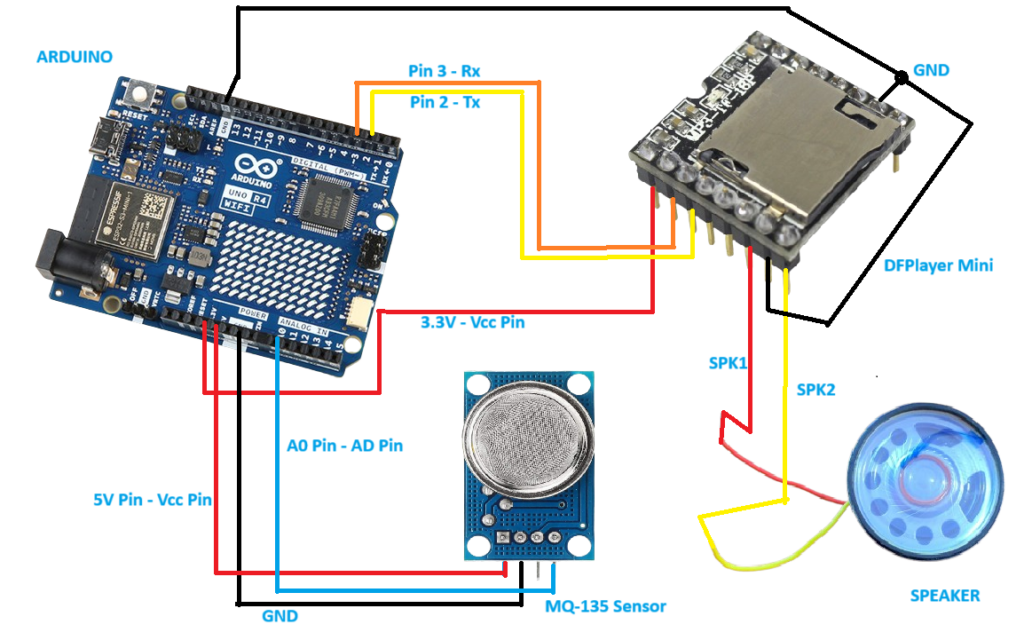
Circuit Wiring & Schematic
| Arduino | MQ Smoke Sensor | DFPlayer Mini Audio Module | Speaker | 1resistor |
| 5V | VCC | |||
| GND | GND | |||
| Pin A0 | Analog Out | |||
| 5V | VCC | |||
| GND | GND | |||
| Pin 3 | TX | |||
| Pin 2 | RX | |||
| RX | one leg | |||
| Pin 2 | the other leg | |||
| SPK_1 | + | |||
| SPK_2 | – |
MicroSD Card Audio File: Make a folder called mp3, format the MicroSD card as FAT32, and upload your realistic coughing sound clip as 0001.mp3.
Required Libraries
DFRobotDFPlayerMini.h library
Purpose: Controls serial playback on DFPlayer Mini
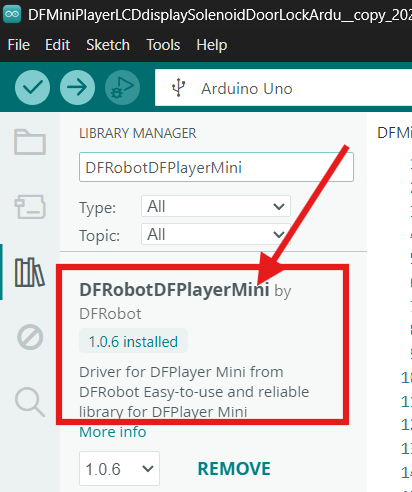
Arduino code
#include "SoftwareSerial.h"         // Include the SoftwareSerial library for serial communication
#include "DFRobotDFPlayerMini.h"    // Include the DFRobotDFPlayerMini library for the DFPlayer Mini module

SoftwareSerial mySoftwareSerial(3, 2); // Create software serial connection: Pin 3 (RX), Pin 2 (TX)
DFRobotDFPlayerMini myDFPlayer;          // Create DFPlayerMini object

const int analogPin = A0;             // Analog pin connected to Smoke Sensor AO
bool isPlaying = false;                      // Flag to indicate if the coughing track is playing
unsigned long lastPlayTime = 0;              // Stores timestamp when track started
const unsigned long playDuration = 3500;     // Duration of coughing audio track in ms

void setup() {
    mySoftwareSerial.begin(9600);            // Start software serial communication at 9600 baud
    Serial.begin(115200);                    // Start hardware serial for monitoring
    pinMode(analogPin, INPUT);               // Set smoke sensor pin as input

    if (!myDFPlayer.begin(mySoftwareSerial)) { // Initialize DFPlayer Mini
        Serial.println(F("Not initialized:"));
        Serial.println(F("1. Check DFPlayer Mini connections"));
        Serial.println(F("2. Insert an SD card"));
        while (true);                        // Halt if initialization fails
    }

    Serial.println();
    Serial.println(F("DFPlayer Mini initialized successfully!"));
    myDFPlayer.setTimeOut(500);              // Serial communication timeout
    myDFPlayer.volume(30);                   // Max volume (0 to 30)
    myDFPlayer.EQ(0);                        // Set Normal Equalizer
}

void loop() {
    int reading = analogRead(analogPin);     // Read analog smoke intensity level from A0
    Serial.println(reading);

    // Check if detected smoke level exceeds threshold (82)
    if (reading > 82) {

        if (!isPlaying) {                    // If audio is not currently playing
            playSong(1);                     // Trigger coughing sound (track 0001.mp3)
        } else if (millis() - lastPlayTime >= playDuration) {
            playSong(1);                     // Repeat cough if smoke is still detected after 3.5s
        }

    } else if (isPlaying && (millis() - lastPlayTime >= playDuration)) {
        stopSong();                          // Stop playback once air clears and duration finishes
    }
}

// Play coughing sound on DFPlayer
void playSong(uint8_t song) {
    myDFPlayer.play(song);
    lastPlayTime = millis();
    isPlaying = true;
    Serial.println("Smoke detected! Playing coughing sound #" + String(song));
}

// Stop audio playback
void stopSong() {
    myDFPlayer.stop();
    isPlaying = false;
    Serial.println("Air clear - Coughing audio stopped.");
}
How It Works
Pin A0 receives a proportionate analog signal from the smoke sensor, which continuously detects the density of airborne particles.
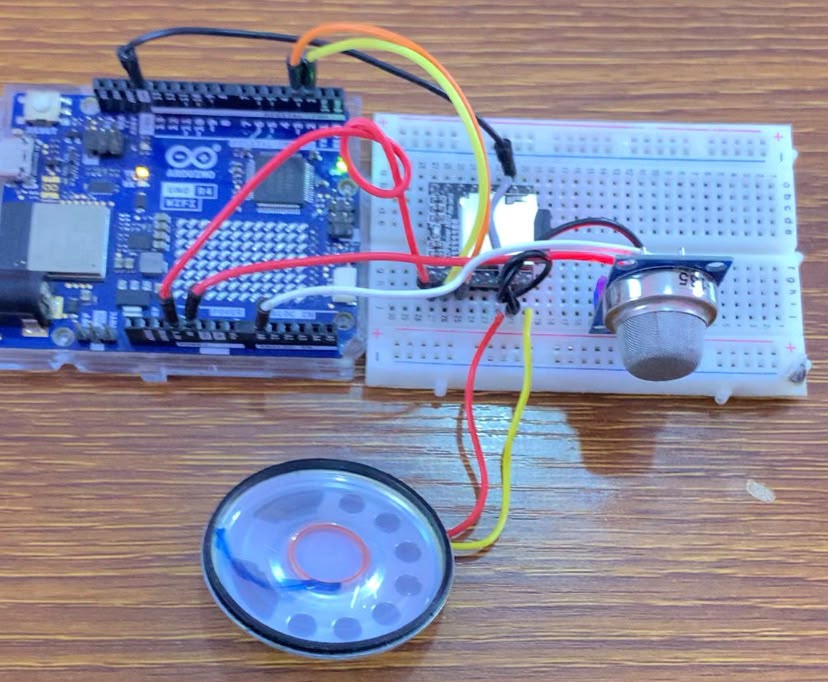
The Arduino instantly detects the presence of smoke and instructs the DFPlayer Mini to play track 0001.mp3 through the speaker when the smoke density exceeds the threshold value of 82. As long as there is a lot of smoke, the system keeps looping the coughing audio, ceasing playback when the smoke clears.