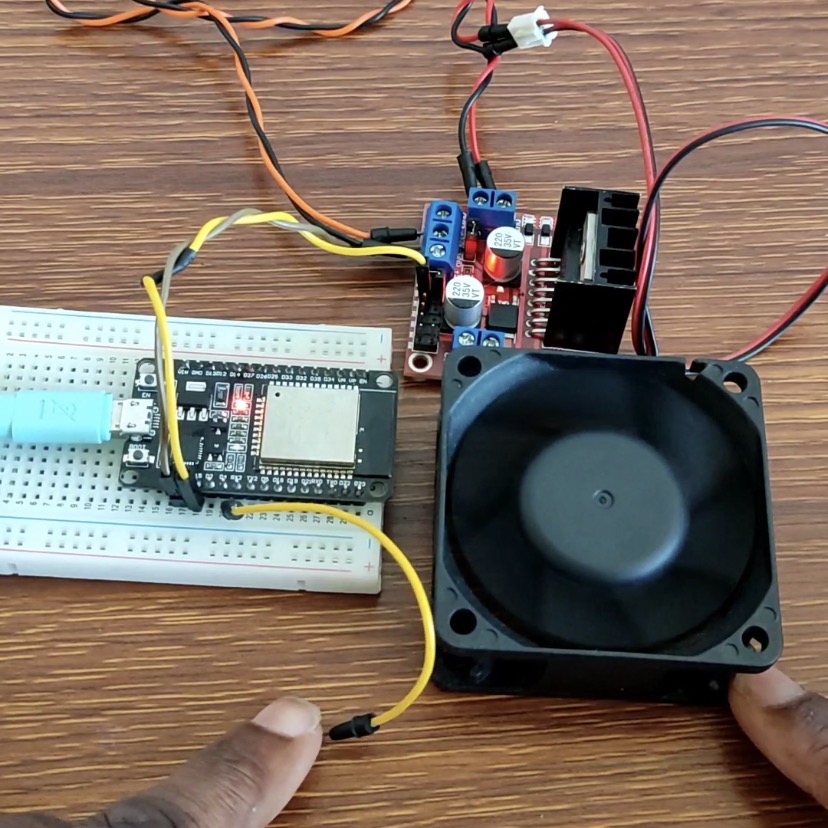

Touch-Controlled 12V DC Fan with ESP32 and L298N Motor Driver
Sleek capacitive touch controls can take the place of mechanical buttons! In this project, an ESP32 employs its native capacitive touch sensing hardware (GPIO4) to construct a toggle switch that switches a 12V DC fan ON and OFF using an L298N motor driver module.
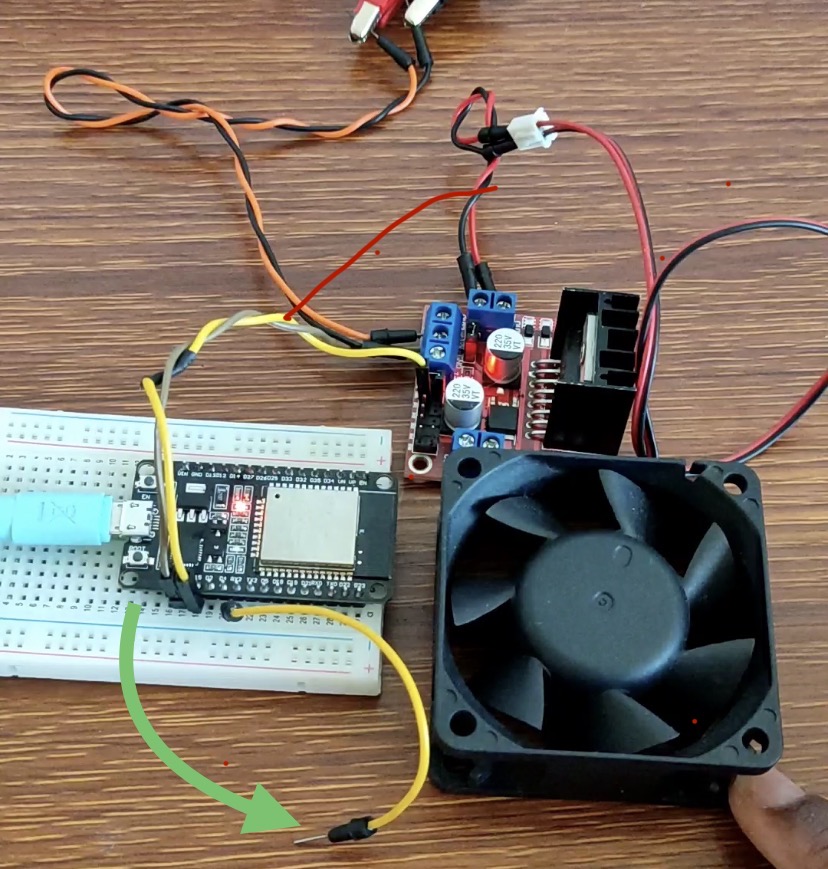
Watch the Video
For written instructions, continue reading this page, or watch the video guide.
Hardware Circuit Wiring & Pinout Connections
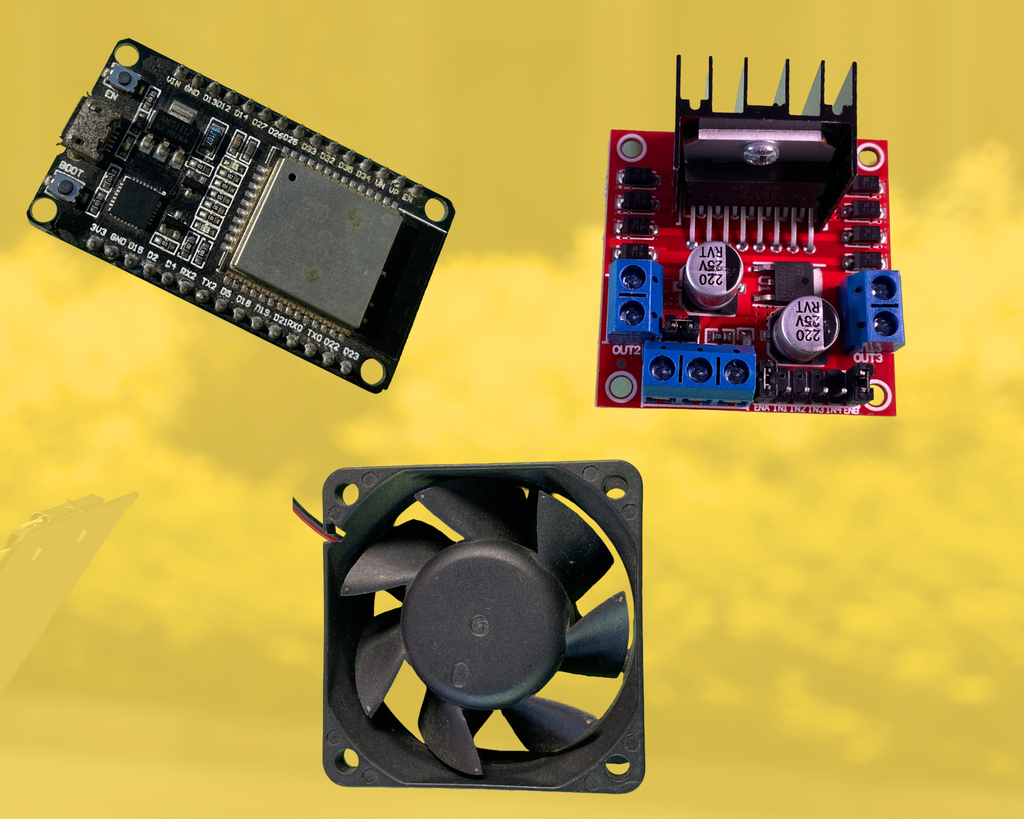
Components Used
- Microcontroller: ESP32 Development Board
- Motor Driver: L298N Dual H-Bridge Motor Driver Module
- Actuator: 12V DC Fan
- Power Supply: 12V DC External Power Supply (for the Fan & L298N)
- Prototyping: Touch wire / Metal pad, Breadboard, and Jumper Wires
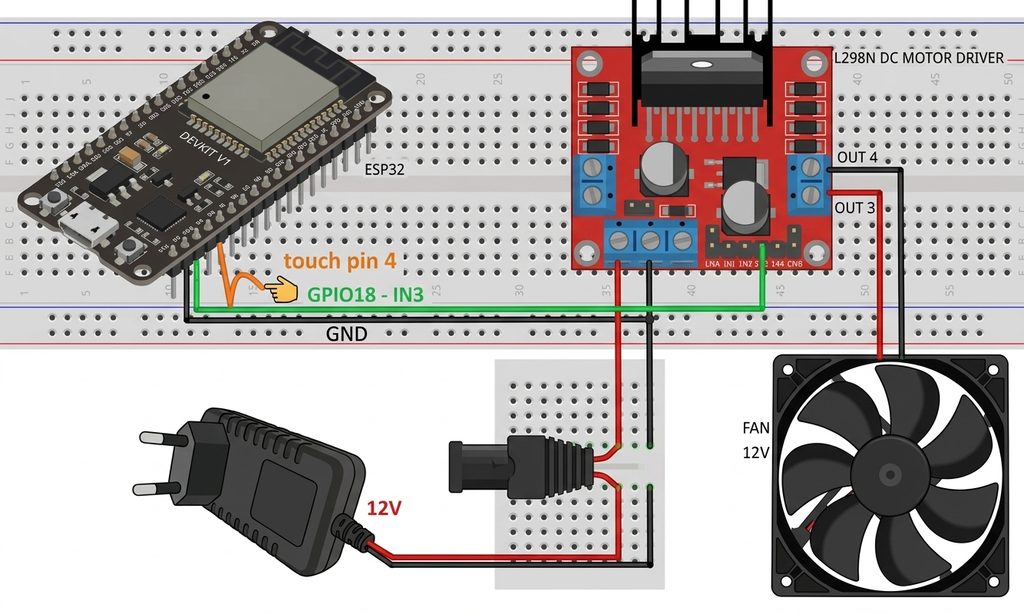
Circuit Wiring
| ESP32 | L298N Motor Driver | Fan | 12 DC Power |
| GPIO15 | IN3 | ||
| GND | GND | GND | |
| ENB(Keep jumper on ENA pin) | |||
| 12V Terminal | + | ||
| GND | – | ||
| OUT3 | + | ||
| OUT4 | – |
Required Libraries
You don’t need any additional libraries! The code makes use of ESP32 core functions that are built in:
- touchRead(): Capacitive changes on touch-capable pins can be read using the built-in ESP32 core function.
- driver/gpio.h: The ESP32 Arduino Core board package takes care of it automatically.
const int touch_pin = 4; // Capacitive touch Pin - GPIO4 (Touch0)

int oldSwitchState = 0;
int lightsOn = 0;
int state = 0;

const int dcFan = 15; // GPIO15 connected to L298N IN1

void setup(void) {
  pinMode(dcFan, OUTPUT);
  Serial.begin(9600);
}

void loop(void) {
  int touchValue = touchRead(touch_pin); // Read capacitive value from GPIO4

  // Set threshold: capacitance drops below 50 when touched
  if (touchValue < 50) {
    state = 1;
  } else {
    state = 0;
  }

  // Detect state change (edge detection for toggle logic)
  if (state != oldSwitchState) {
    oldSwitchState = state;
    if (state == HIGH) {
      // Toggle output state ON/OFF
      lightsOn = !lightsOn;
    }
    Serial.print("State: ");
    Serial.print(state);
    Serial.print(" | Fan Output: ");
    Serial.println(lightsOn);
  }

  // Update L298N control pin
  digitalWrite(dcFan, lightsOn);
}
How It Works
Through touchRead(), the ESP32’s integrated touch sensor module continuously measures the capacitance on GPIO4. The pin typically displays high analog capacitance values (>50);
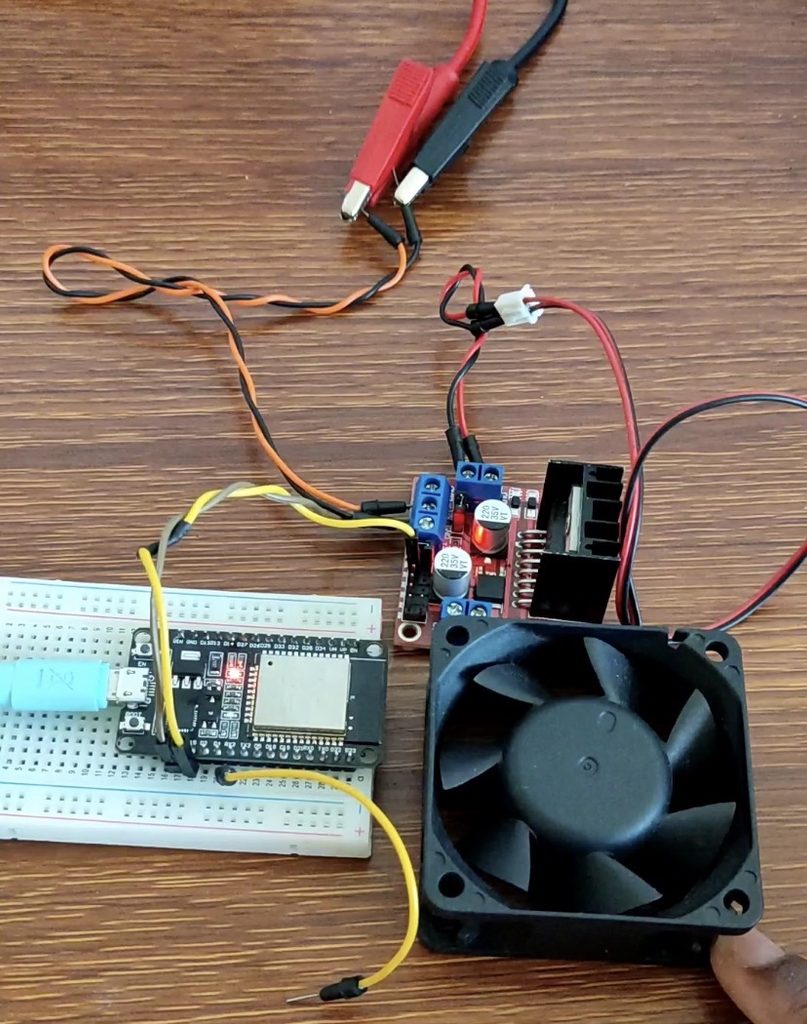
Body capacitance causes the reading to fall below the threshold value of 50 when a finger contacts the pin wire, changing the status to 1. The lightsOn variable is toggled between 1 and 0 with each touch pulse thanks to the software’s implementation of state-change detection (edge trigger). The L298N motor driver is signaled by this signal, which drives GPIO15 HIGH or LOW. This keeps the 12V DC fan going until the touch pad is pressed once more.