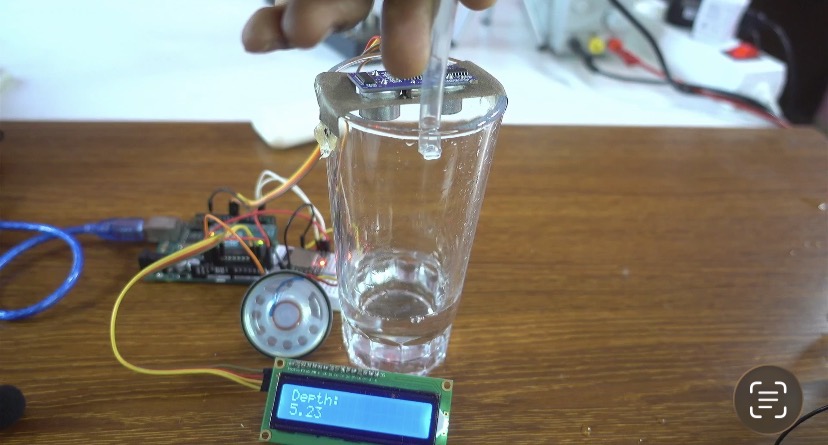

Arduino Water Level Monitor with Audio Alerts & LCD Display
Monitoring water levels in real time is essential for automated tanks, smart home drainage systems, and spill prevention. In this project, we construct an intelligent water level tracking system using an Arduino Uno R3, an HC-SR04 ultrasonic sensor, a 16×2 I2C LCD display, and a DFPlayer Mini (MP3-TF-GP V3.0) audio module. By measuring the distance between the top of a container and the rising water surface, the system dynamically calculates liquid depth and announces changing fill levels via custom audio tracks stored on an 8GB MicroSD card.
Whether you need hands-free audible feedback or clear visual telemetry, this guide covers everything required to assemble the circuit, load the audio files, and program non-blocking interval measurements for smooth performance.
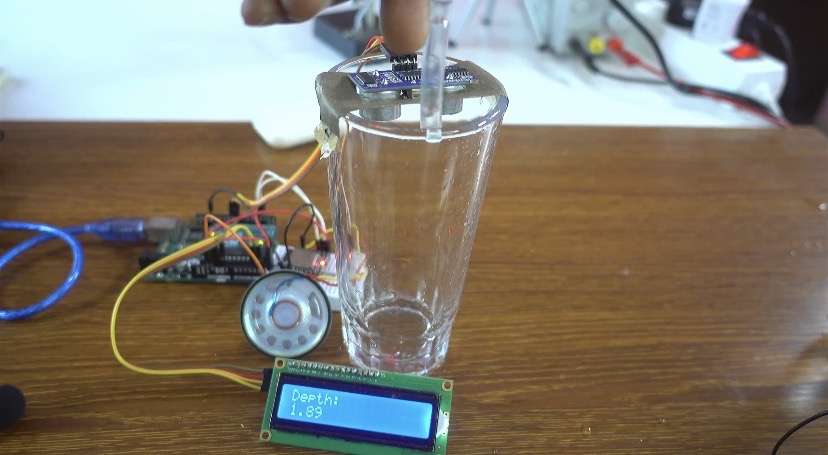
Watch the full video
For written instructions, continue reading this page, or watch the video guide.
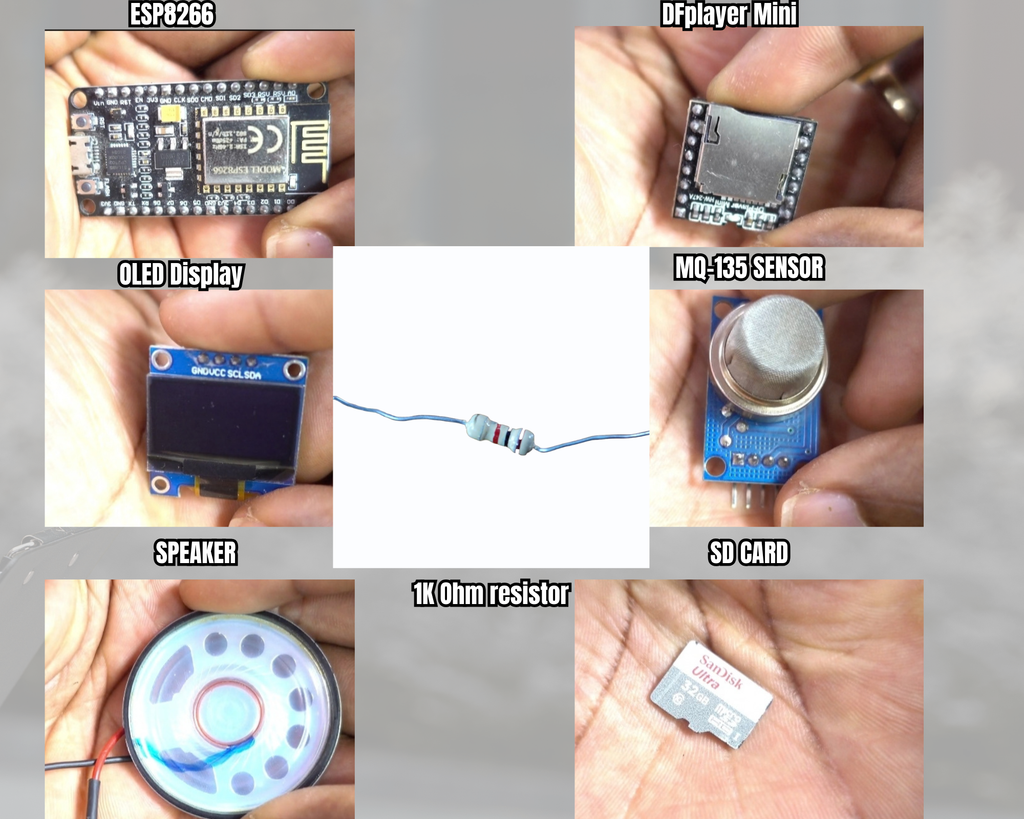
Components Used
- Arduino Uno R3
- HC-SR04 Ultrasonic Distance Sensor
- MP3-TF-GP V3.0 (DFPlayer Mini) Audio Module
- 16×2 Character LCD with I2C Interface (PCF8574 TWI module)
- MicroSD Card (8GB, FAT32 formatted, loaded with 5 audio files)
- Small Speaker (20Ω, 1W)
- Solderless Breadboard & Jumper Wires
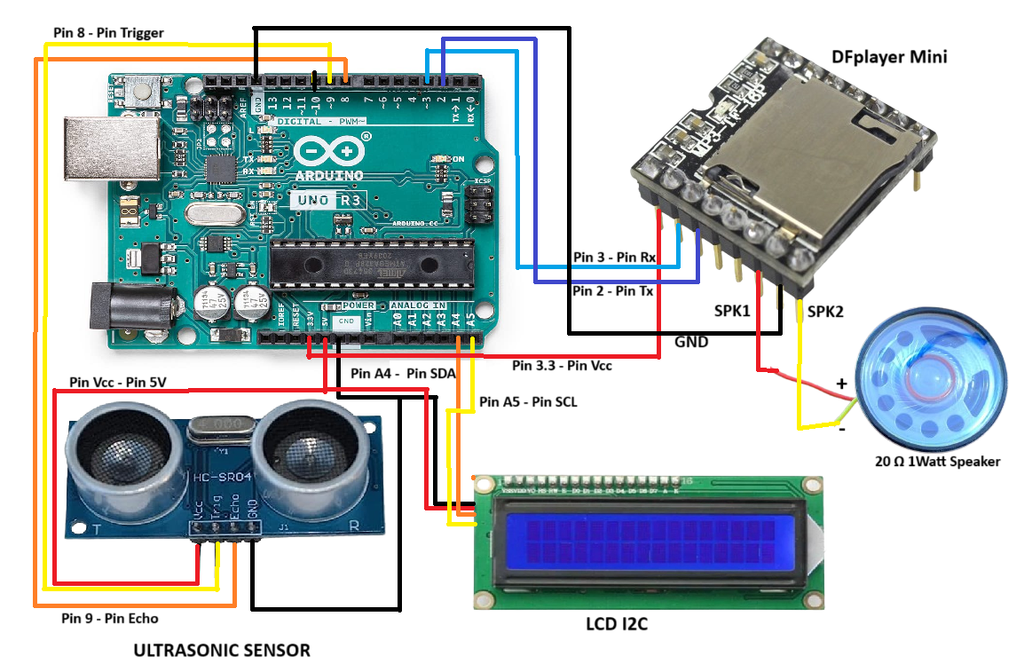
Circuit Schematic & Pin Wiring
Required Arduino Libraries
Install these libraries using the Arduino IDE Library Manager (Ctrl + Shift + I):
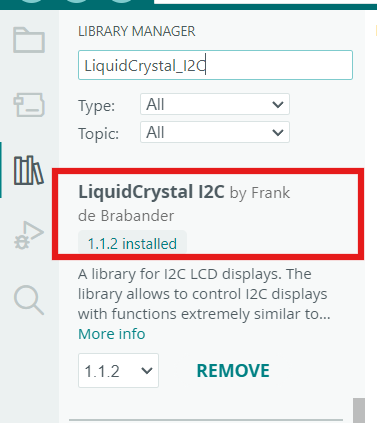
LiquidCrystal_I2C by Frank de Brabander (For driving the 16×2 I2C LCD)
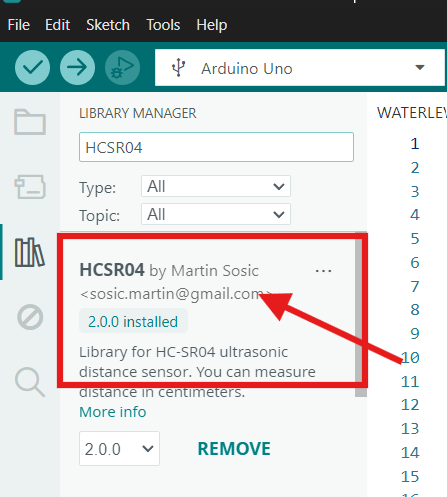
HCSR04 by Martin Sosic (For simplified non-blocking ultrasonic distance readings)
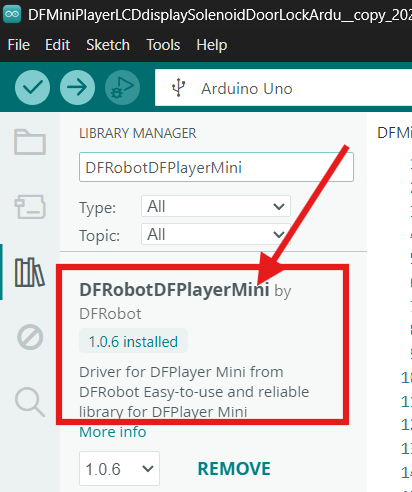
DFRobotDFPlayerMini by DFRobot (For controlling MP3 audio playback via SoftwareSerial)
SD Card File Setup
Format the 8GB MicroSD card to FAT32. Create a folder named mp3 or place 5 MP3 files directly in the root directory formatted with 4-digit index prefixes:
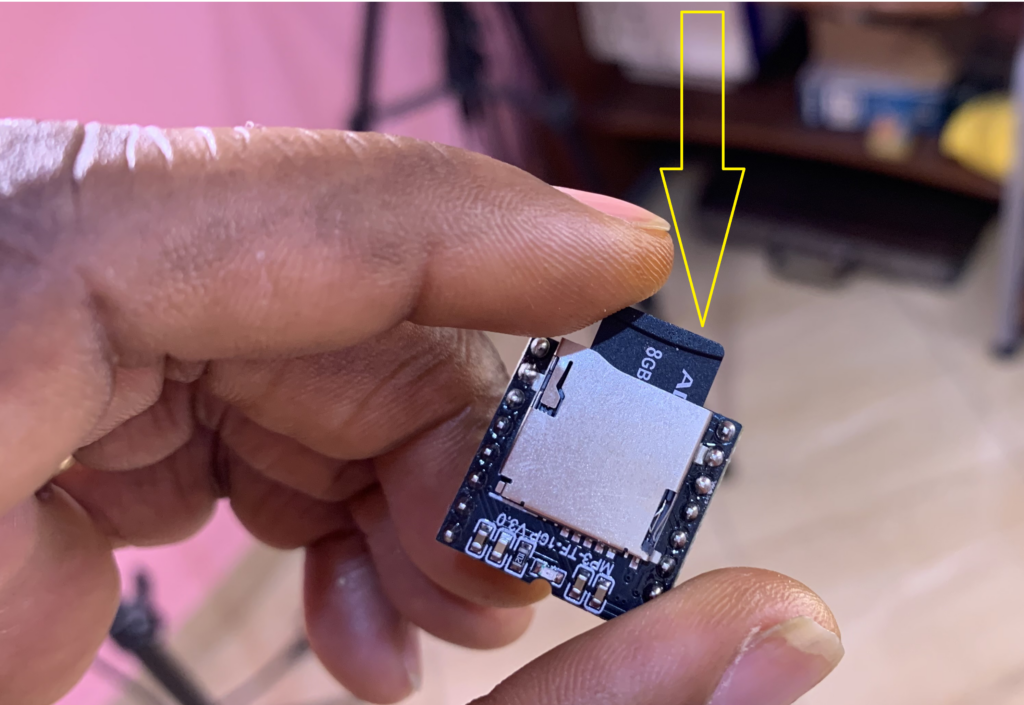
0001.mp3– Audio alert for depth between 1.00 cm and 1.99 cm0002.mp3– Audio alert for depth between 2.00 cm and 2.99 cm0003.mp3– Audio alert for depth between 3.00 cm and 3.99 cm0004.mp3– Audio alert for depth between 4.00 cm and 4.99 cm0005.mp3– Audio alert for depth between 5.00 cm and 5.99 cm
Arduino Code
#include <LiquidCrystal_I2C.h>
#include <HCSR04.h>
#include "DFRobotDFPlayerMini.h"
#include "SoftwareSerial.h"

// Pin definitions for the ultrasonic sensor
#define TRIGGER_PIN 9
#define ECHO_PIN 8

// Global variables
double distance_cm = 0, depth = 0;
double reference_distance = -1; // Reference distance when the container is empty

// Constants
const long TRACK_INTERVAL = 2000;       // Interval for track playback (ms)
const long SENSOR_INTERVAL = 500;       // Interval for ultrasonic sensor measurements (ms)
const long LCD_UPDATE_INTERVAL = 400;   // Interval for LCD updates (ms)
const double MAX_DISTANCE = 400;        // Maximum valid distance in cm

// Hardware initialization
UltraSonicDistanceSensor distanceSensor(TRIGGER_PIN, ECHO_PIN);
LiquidCrystal_I2C lcd(0x27, 16, 2);
SoftwareSerial mySoftwareSerial(2, 3); // RX, TX for DFPlayer Mini
DFRobotDFPlayerMini myDFPlayer;

// Timing variables
unsigned long previousTrackMillis = 0;
unsigned long previousSensorMillis = 0;
unsigned long previousLCDMillis = 0;
bool trackPlayed = false;

void setup() {
  Serial.begin(115200);                    // Initialize Serial Monitor
  mySoftwareSerial.begin(9600);             // Initialize SoftwareSerial for DFPlayer Mini

  lcd.init();                               // Initialize LCD
  lcd.backlight();                          // Enable LCD backlight

  // Wait for Serial communication to initialize
  while (!Serial);

  // Initialize DFPlayer Mini
  if (!myDFPlayer.begin(mySoftwareSerial)) {
    Serial.println(F("DFPlayer initialization failed!"));
    Serial.println(F("1. Check connections."));
    Serial.println(F("2. Insert an SD card."));
    while (true);
  }

  Serial.println(F("DFPlayer Mini initialized!"));
  myDFPlayer.setTimeOut(500);               // Set timeout for DFPlayer communication
  myDFPlayer.volume(30);                    // Set DFPlayer volume (0-30)
  myDFPlayer.EQ(0);                         // Set EQ mode (0: Normal)
}

void loop() {
  unsigned long currentMillis = millis();  // Get current time

  // Measure distance at SENSOR_INTERVAL
  if (currentMillis - previousSensorMillis >= SENSOR_INTERVAL) {
    previousSensorMillis = currentMillis;
    distance_cm = distanceSensor.measureDistanceCm();

    // Validate distance
    if (distance_cm <= 0 || distance_cm > MAX_DISTANCE) {
      distance_cm = 0; // Ignore invalid readings
    }

    // Log valid measured distance
    Serial.print("Measured Distance: ");
    Serial.println(distance_cm);

    // Set reference distance on initial valid measurement (empty container height)
    if (reference_distance < 0 && distance_cm > 0) {
      reference_distance = distance_cm;
      Serial.print("Reference Distance Set: ");
      Serial.println(reference_distance);
    }
  }

  // Calculate depth if reference and distance are valid
  if (reference_distance > 0 && distance_cm > 0) {
    depth = reference_distance - distance_cm;
    if (depth < 0) depth = 0; // Prevent negative depth
  } else {
    depth = 0; // Reset depth if invalid
  }

  // Play a track at TRACK_INTERVAL
  if (currentMillis - previousTrackMillis >= TRACK_INTERVAL) {
    previousTrackMillis = currentMillis;
    playTrack(depth);
    trackPlayed = true;
  }

  // Update the LCD at LCD_UPDATE_INTERVAL
  if (currentMillis - previousLCDMillis >= LCD_UPDATE_INTERVAL) {
    previousLCDMillis = currentMillis;
    updateLCD(depth);
  }
}

// Function to play tracks based on depth thresholds
void playTrack(double depth) {
  if (depth >= 1.00 && depth <= 1.99) {
    myDFPlayer.play(1); // Play track 1
  } else if (depth >= 2.00 && depth <= 2.99) {
    myDFPlayer.play(2); // Play track 2
  } else if (depth >= 3.00 && depth <= 3.99) {
    myDFPlayer.play(3); // Play track 3
  } else if (depth >= 4.00 && depth <= 4.99) {
    myDFPlayer.play(4); // Play track 4
  } else if (depth >= 5.00 && depth <= 5.99) {
    myDFPlayer.play(5); // Play track 5
  }
}

// Function to update the LCD display with calculated depth
void updateLCD(double depth) {
  lcd.clear();
  lcd.setCursor(0, 0);
  lcd.print("Depth:");
  lcd.setCursor(0, 1);
  if (depth > 0) {
    lcd.print(depth, 2); // Display depth with 2 decimal places in cm
  } else {
    lcd.print("Invalid");
  }
}
How It Works
The system operates using non-blocking time intervals based on millis() to seamlessly manage sensor sampling, screen rendering, and audio triggering without using delay functions. Upon powering up, the HC-SR04 ultrasonic sensor measures the distance to the bottom of the empty container on its first valid pulse and stores this value as the baseline reference distance. As water fills the container, the ultrasonic sensor measures the decreasing distance to the rising liquid surface; subtracting this live value from the empty reference distance yields the precise liquid depth in centimeters.
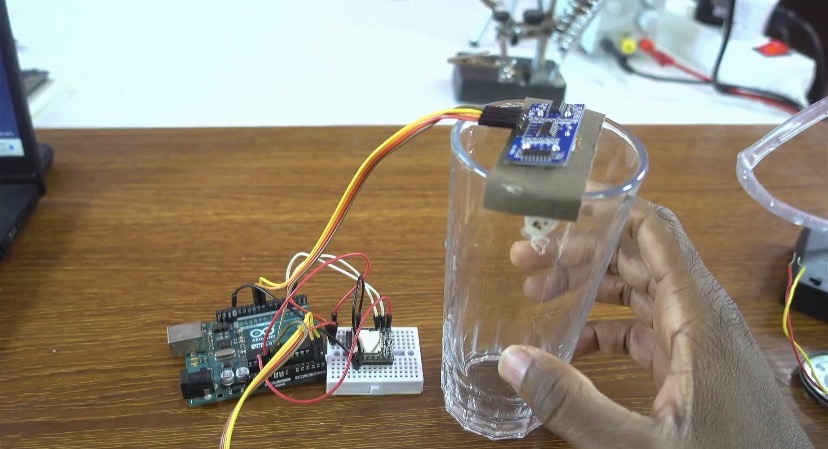
Every 400 milliseconds, the Arduino calculates the current depth and prints it formatted to two decimal places on line two of the 16×2 I2C LCD screen. Simultaneously, every two seconds, the playTrack() evaluation function checks the depth against defined 1-centimeter thresholds (ranging from 1.00 cm to 5.99 cm) and sends SoftwareSerial commands to the MP3-TF-GP V3.0 module to trigger the corresponding audio track (0001.mp3 through 0005.mp3) from the MicroSD card for real-time acoustic notifications.