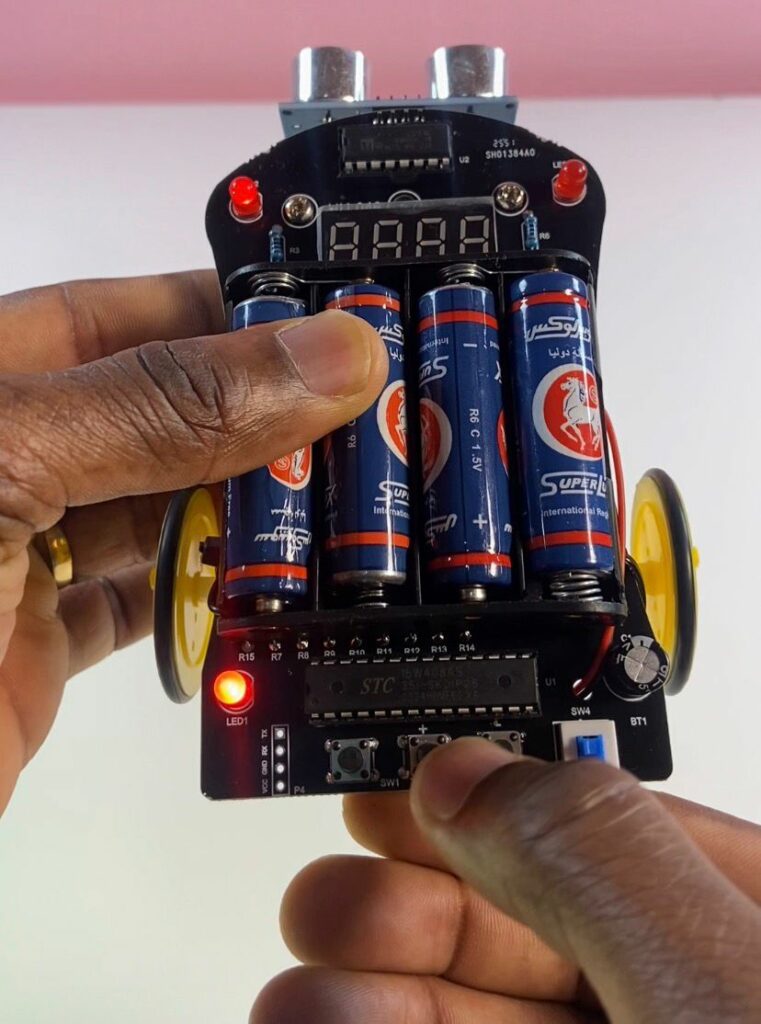

Smart Car Ultrasonic Obstacle Avoidance Robot – STEM Learning Kit
The Smart Car Ultrasonic Obstacle Avoidance Robot is an exciting electronic kit designed for students, beginners, and makers who want to explore robotics and programming. Built around a 51 microcontroller, this project combines electronics, coding, and mechanics into one fun and educational experience.
It’s a perfect STEM learning tool that teaches how robots can detect obstacles and automatically react using sensors and motors.
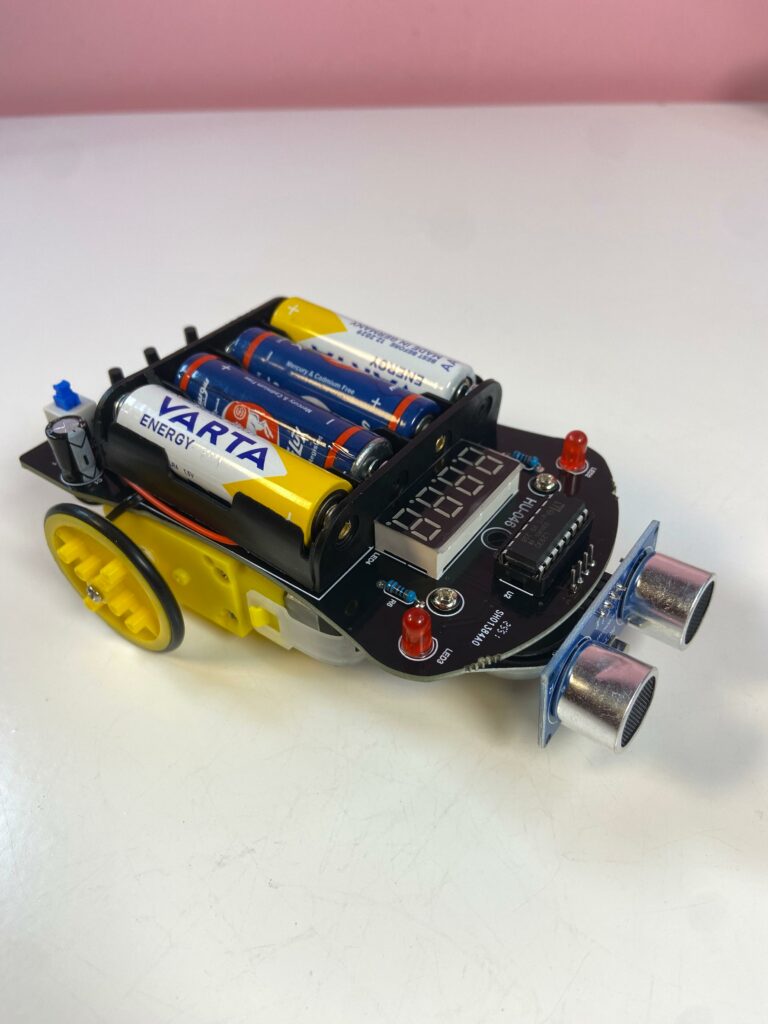
Full Video Tutorial
To see how everything works together and learn how to assemble the robot step by step, you can follow the complete video tutorial on my YouTube channel.
Watch the full tutorial on my YouTube channel
Where to Buy & Discount Code
If you want to build this smart robot yourself, you can get the kit at an amazing price using the details below:
Benefits:
Amazing Price
Code:
alg322055
Donwload TEMU first:https://temu.to/k/exyzc2cpy6m
And then get the robot kit:https://temu.to/k/eedx7rd5si5
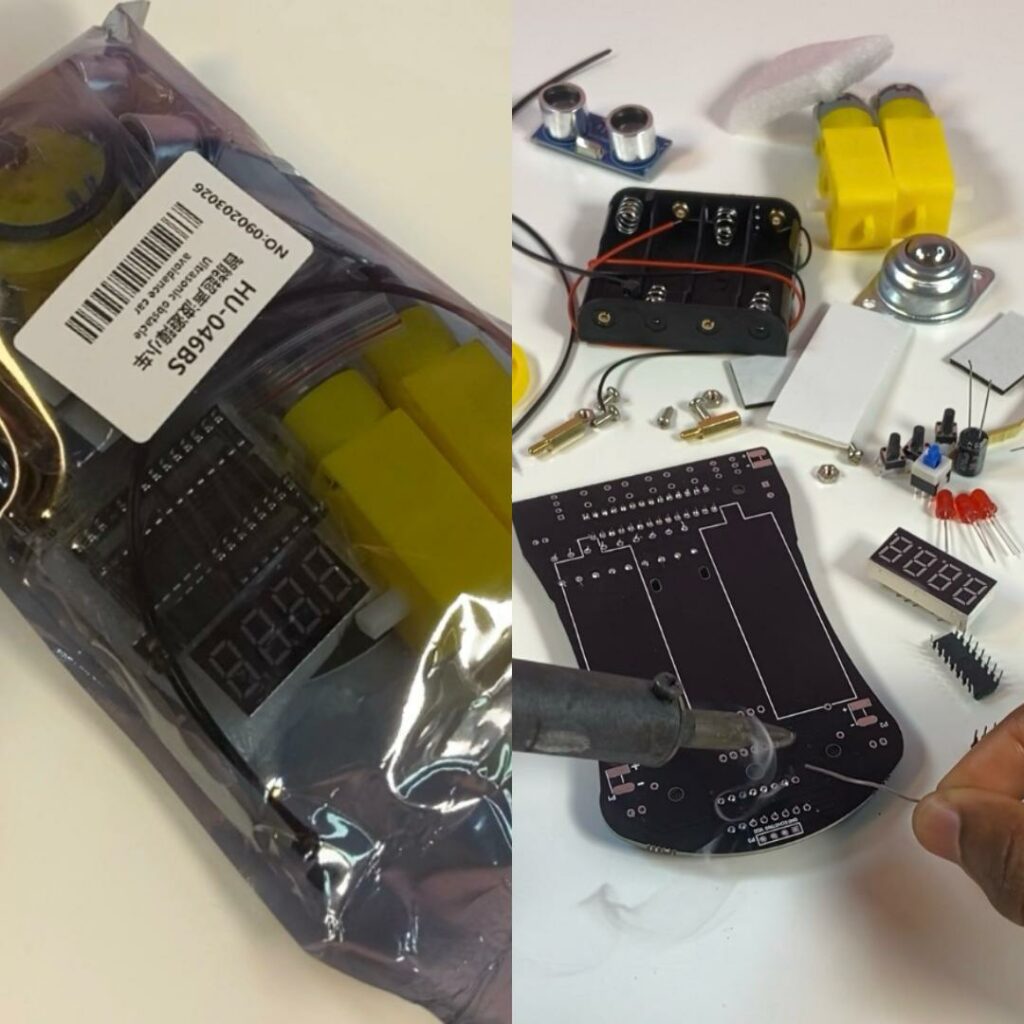
Kit Before Assembling
Before starting, take a look at all the components included in the kit. This helps you understand what parts you’ll be working with during the build.
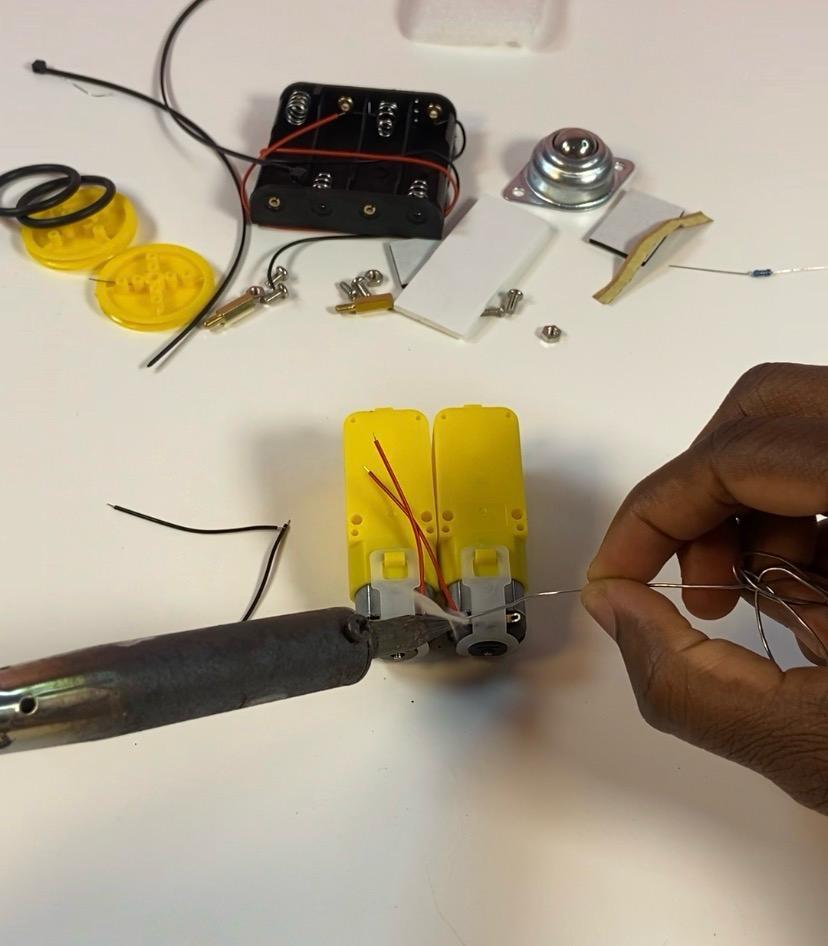
DC Gear Motors
The robot uses DC gear motors to move the wheels. These motors provide enough torque and control, allowing the car to move forward, backward, and turn when avoiding obstacles.
L293D Motor Driver
The L293D motor driver is responsible for controlling the two DC gear motors. It acts as an interface between the microcontroller and the motors, allowing the robot to control direction (forward/backward) and movement safely.
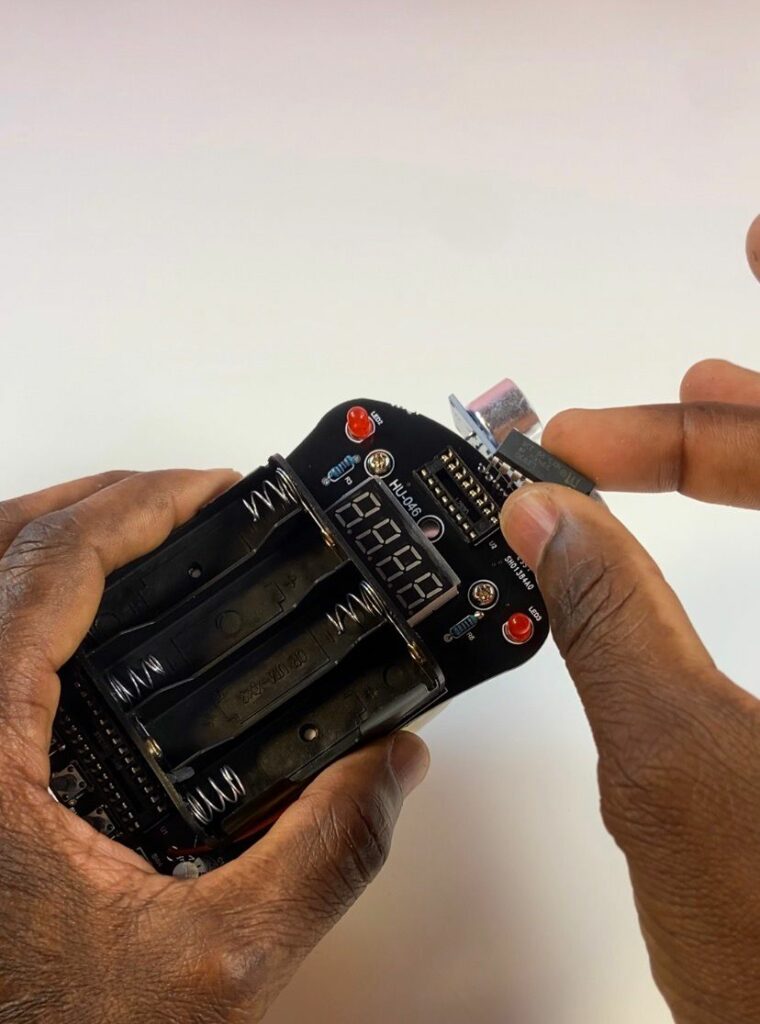
Microcontroller Used
At the core of the robot is the STC Microcontroller STC15W408AS, which acts as the brain of the system. It processes data from the ultrasonic sensor and controls the motors to navigate around obstacles automatically.
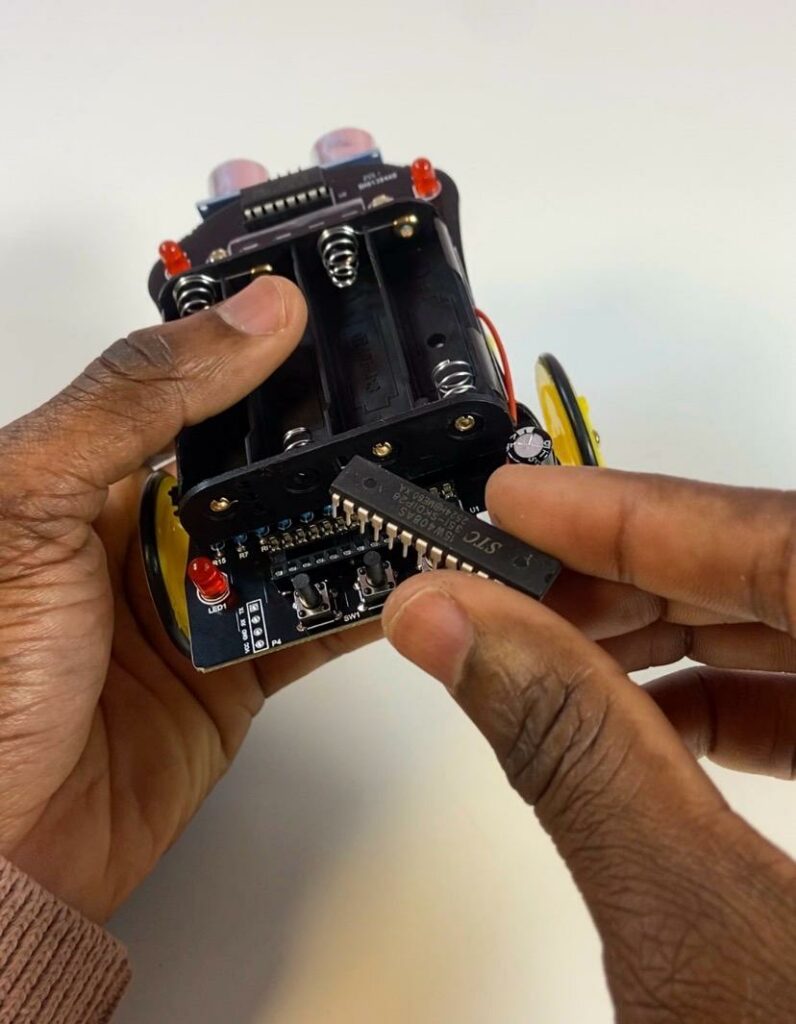
Obstacle Distance Adjustment (Debugging)
One great feature of this robot is the ability to adjust the obstacle avoidance distance using pushbuttons. This allows you to fine-tune how the robot reacts when it detects an object.
This debugging feature gives you more control over the robot’s behavior, making it a powerful learning tool for understanding how sensor thresholds affect real-world performance.